Unified networking, powerful cloud management, and resources to help you deploy faster, smarter, and more securely.
Empowering Partners Through Intelligent Networking & Surveillance
Omada is TP-Link’s cloud-based network management platform that unifies control of access points, switches, and gateways across multiple sites. With zero-touch provisioning, AI-powered optimization, and remote troubleshooting, it gives MSPs, VARs, and installers the tools to deploy, monitor, and scale networks efficiently—all from a single dashboard.
VIGI is TP-Link’s professional surveillance solution designed for reliability, scalability, and centralized control. It enables users to manage cameras, NVRs, and storage devices seamlessly—offering intelligent analytics, remote monitoring, and flexible deployment options to protect and manage business environments with confidence.
Omada Solutions for Offices, Hotels, Retail & MDUs
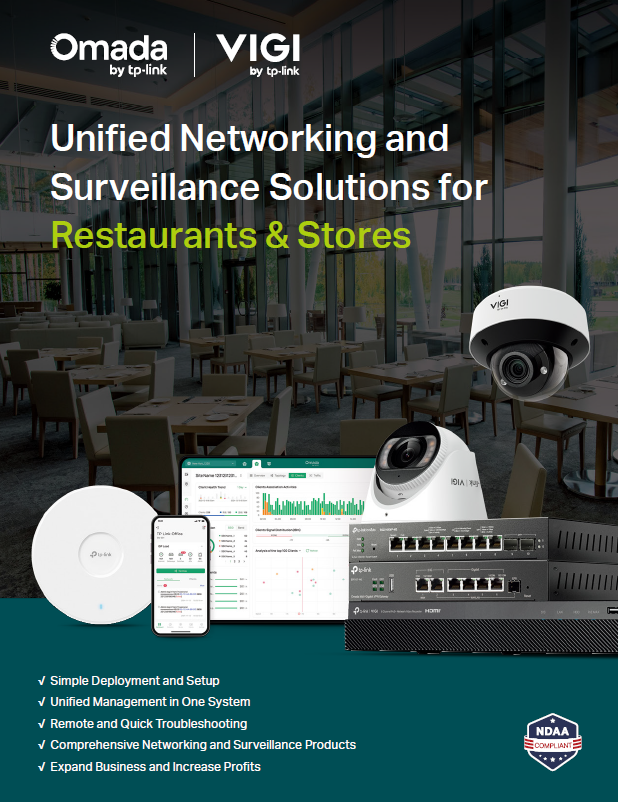
Sign up to access tailored flyers for Offices, Hotels, Restaurants & Stores, and MDUs — each packed with deployment insights, security features, and business growth opportunities for MSPs, VARs, and installers.
Can’t attend a live session? No problem. Our self-paced Omada Certified Network Administrator (OCNA) and VIGI Certified Surveillance Associate (VCSA) programs give you the same in-depth training on your own schedule, helping you master networking and surveillance solutions at your own pace.
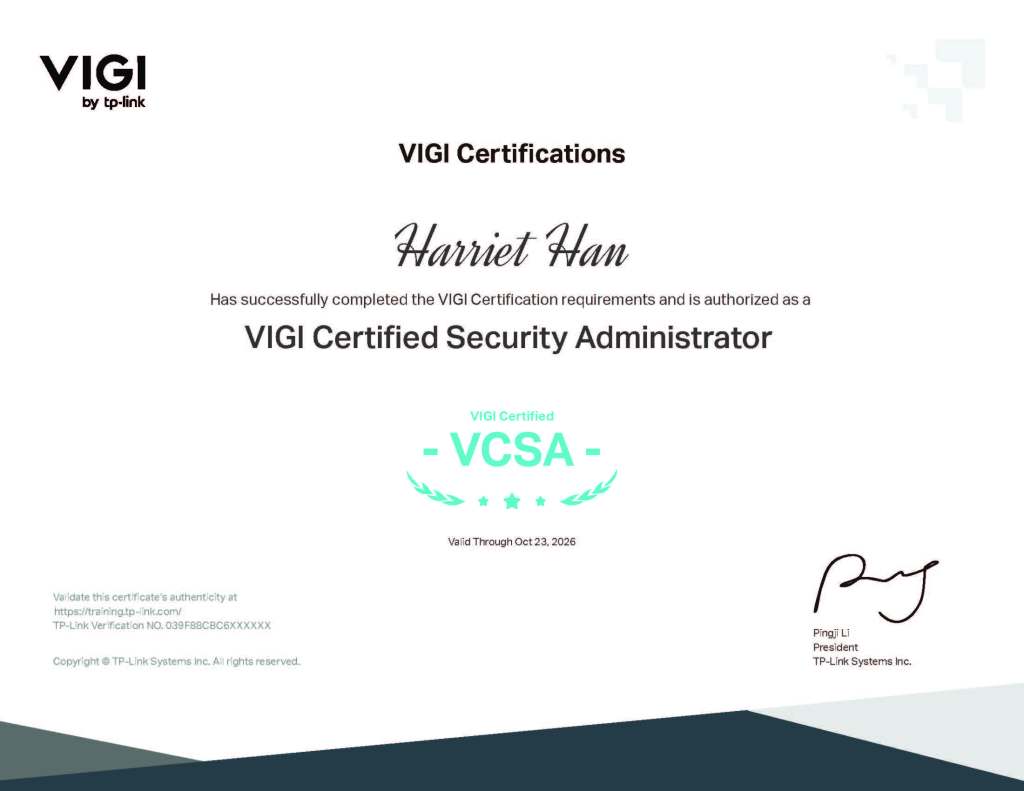
Think You Know Omada or VIGI? Prove It. Complete the form below to schedule your Omada Certified Network Administrator (OCNA) or VIGI Certified Security Administrator (VCSA) exam.
These certifications validate your expertise in deploying Omada networking or VIGI surveillance solutions in real-world environments—helping you stand out as a trusted, skilled partner.
Please allow at least 48 hours between your selected exam date and submission so our team can process and confirm your booking. Once submitted, we’ll follow up with your confirmed exam time and full instructions.
Omada Training Video Series: Wireless (7 episodes)
The TP-Link OCNA Wireless course is designed for IT professionals and network engineers to gain in-depth knowledge and practical skills in designing, implementing, and managing enterprise-level wireless networks. Upon successfully passing your exam, you’ll receive the official Omada Certified Network Administrator (OCNA) Wireless certificate—a credential that showcases your expertise and boosts your professional credibility.
Sign up to the partner portal to unlock all Omada Training Decks Access comprehensive Omada training chapters covering SDN fundamentals, product portfolio, deployment best practices, and advanced network management. Gain the expertise to design, configure, and optimize scalable Omada networks with confidence.
In Episode 1, join Alejandro Diaz as he delivers a step-by-step walkthrough for building a complete Omada SDN network—covering TP-Link ID setup, hardware connections, cloud management, and site creation—giving you the essential skills to start deploying with confidence.
Episode 2: Creating Subnets & Guest SSID
In Episode 2, Alejandro Diaz walks you through creating VLANs, subnets, and SSIDs in Omada SDN—covering segmentation, guest network isolation, and ACL security rules—so you can design secure, organized wireless networks with ease.
Episode 3: Portal Setup with Voucher Authentication
In Episode 3, Alejandro Diaz shows you how to set up a secure guest network in Omada SDN with a custom portal and voucher-based authentication—giving you full control over guest access, security, and cloud-based management.
Episode 4: Enhancing Wi-Fi Security with Private Pre-Shared Key (PPSK)
In Episode 4, Alejandro Diaz demonstrates how to configure Private Pre-Shared Key (PPSK) in the Omada Cloud Controller—enabling secure, user-specific Wi-Fi access without a RADIUS server. Learn step-by-step how to assign unique keys to devices, enhance access control with MAC binding, and strengthen network security through device-specific authentication and detailed monitoring.
Episode 5: Optimizing Wireless Coverage with Omada’s Heatmap Tool
In Episode 5, Alejandro Diaz shows you how to use Omada’s Heatmap feature to plan high-performance Wi-Fi networks—uploading floor plans, simulating signal coverage, and fine-tuning AP placement to eliminate dead zones and interference before deployment.
Episode 6: Building Flexible, Failover-Ready Networks with Omada Mesh
In Episode 6, Alejandro Diaz demonstrates how to deploy a mesh network in Omada—adopting wireless APs without cabling, selecting optimal uplinks, and enabling automatic failover to ensure stable, flexible connectivity in challenging environments.
Episode 7: Securing Remote Access with OpenVPN and WireGuard in Omada
In Episode 7, Alejandro Diaz walks you through configuring secure VPN tunnels in Omada—covering both OpenVPN and WireGuard setup, client configuration, and connectivity testing—so you can manage your network safely from anywhere.
VCSA Training Decks
Your Complete Guide to Mastering VIGI
Become a Certified VIGI Expert Level up your surveillance expertise with the official VCSA Training Decks—your all-access pass to mastering TP-Link’s VIGI ecosystem. Dive into real-world deployment scenarios, learn to harness AI-powered monitoring, and sharpen your skills with guided lab exercises. Whether you’re a systems integrator, MSP, or security professional, these resources will help you design, implement, and manage advanced surveillance networks with confidence.
Sign up to the partner portal to unlock all VCSA Training Decks
Access four in-depth VCSA training chapters plus a hands-on lab module—covering surveillance fundamentals, VIGI solutions, software tools, and solution design. Gain the skills to confidently design, deploy, and manage professional-grade surveillance networks.
Chapter 1 – Overview & Surveillance Fundamentals Get grounded in professional surveillance: system architecture, imaging basics, lenses/sensors, encoding, protocols, and image quality—everything you need before design and deployment
Chapter 2 – VIGI Solution Introduction See how the VIGI ecosystem fits together—front-end cameras, back-end NVR/NVD, and accessories—so you can spec complete, scalable solutions with confidence
Chapter 3 – VIGI Software Introduction Master the tools: VIGI App, Web UI, Cloud VMS/PC Client, and Config Tool for centralized management, monitoring, alerts, and AI workflows.
Chapter 4 – Product Selection & Solution Design Learn how to choose the right cameras, NVRs, switches, and wireless bridges—and turn requirements into a working design using VIGI’s design/config tools and case examples
Lab Module – Practical Configuration & Deployment Apply your knowledge in guided, hands-on exercises. Configure devices, test features, and simulate deployments to prepare for real-world success.
upcoming omada Trainings & webinars
Level Up Your Networking & Security Skills Discover how TP-Link is transforming business networking and security through expert-led webinars and hands-on training. Whether you’re new to our solutions or looking to deepen your expertise, these upcoming sessions are designed to give you practical insights, real-world case studies, and the opportunity to engage directly with our experts.
From live webinars showcasing our innovative networking and VIGI surveillance solutions, to our in-person Omada Certified Network Administrator (OCNA) training, you’ll gain the tools and knowledge to design, deploy, and manage robust, secure, and scalable networks.
View the calendar below and select an event to see the sign-up link. Reserve your spot today and take the next step toward becoming a TP-Link power user.
omada Solutions & case studies
What does it take to scale a business that delivers top-tier Wi-Fi solutions across multi-dwelling units (MDUs) in Canada?
For Wifiplex, a leading managed service provider in Montreal, the answer was a strategic partnership with TP-Link. In our latest Switch Stories video, Jonathan Carrere, CEO of Wifiplex, shares how TP-Link’s Omada software defined network solution helped them overcome inventory challenges, streamline deployments, and deliver seamless connectivity to thousands of residents.
📌10,000 Omada EAP615-Wall WiFi 6 APs successfully delivered 📌Reliable business support & engineering expertise 📌Cost-effective solutions vs. industry competitors 📌Smart building technology for the future
With TP-Link, Wifiplex gained not just a vendor but a long-term partner dedicated to their success. Discover how TP-Link helps businesses like yours scale effortless.
In high-density outdoor spaces and events, reliable network connectivity is essential. From bustling festivals and sports arenas to public parks… Read More
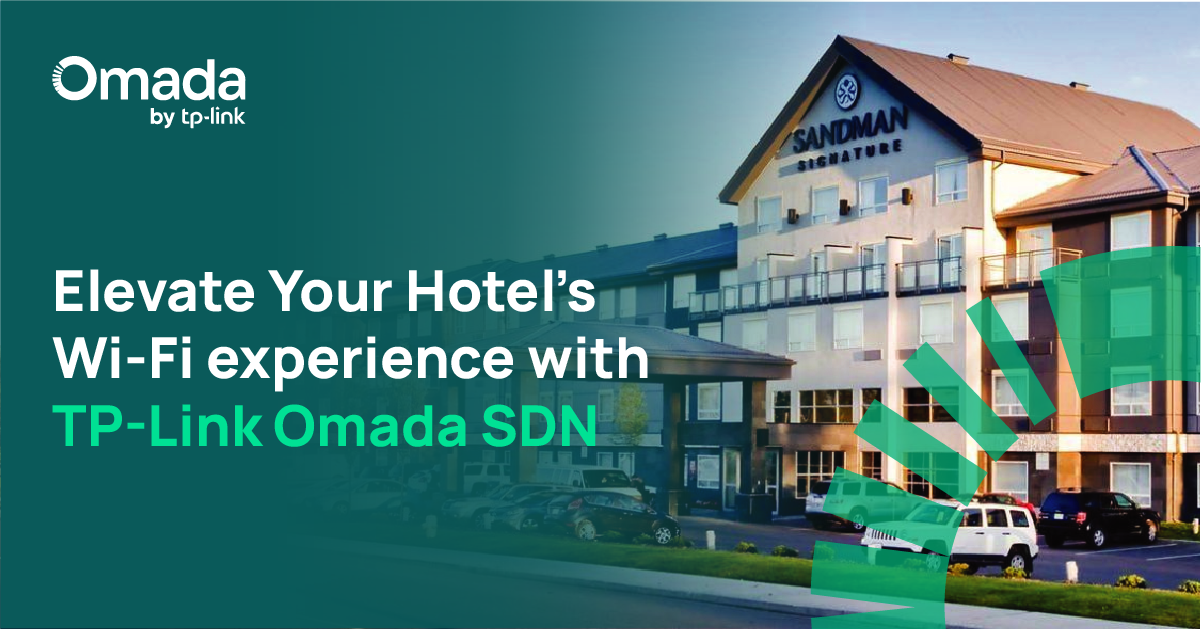
As digital technology reshapes the hospitality industry, guest expectations for connectivity have skyrocketed. Today’s travelers demand fast, reliable internet access… Read More
Register now for instant access to our latest Omada and VIGI flyers, battlecards, and sales resources — all designed to help you stand out in every conversation.
Unlock exclusive access to:
📄 Flyers & Collateral – Highlighting deployments in education, hospitality, retail, and more.
🎯 Battlecards – Competitive insights to help you win deals faster
📂 Sales Resources – High-impact content designed to support your conversations with clients.
The InSight S385PI and S485PI are 4K 180° panoramic IR cameras with built-in warning lights, sirens, and AI analytics, delivering wide-area, cost-efficient security.
Omada & VIGI Topology & ES Switches
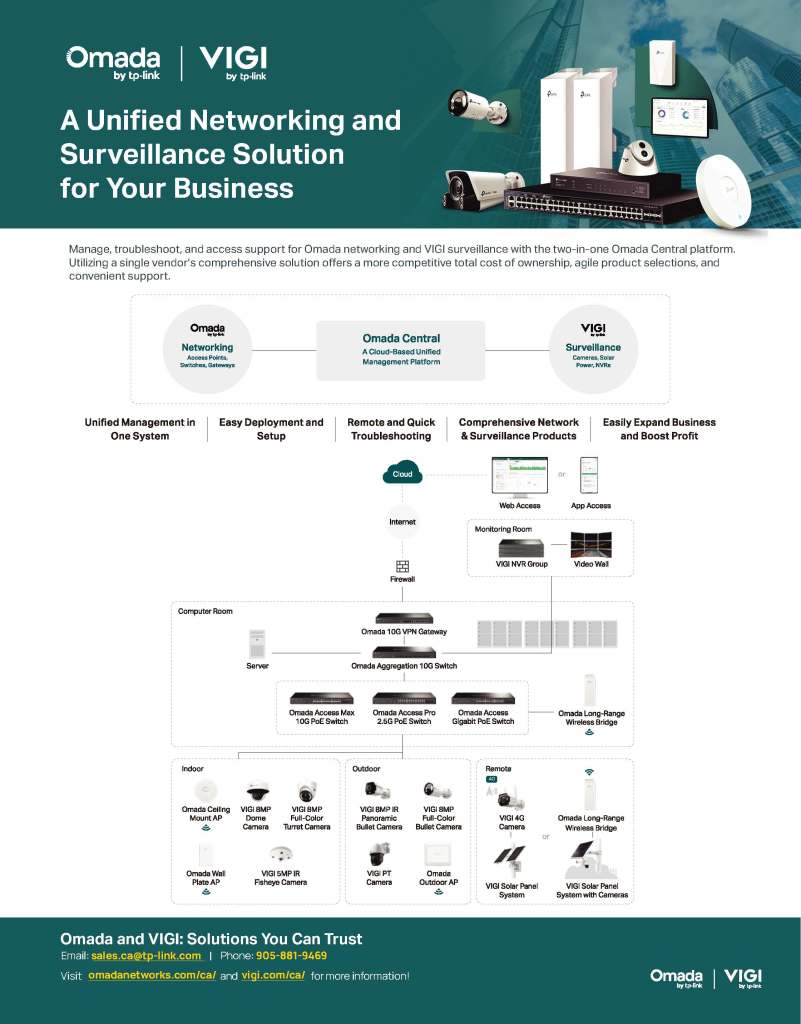
Flyer: Omada Central
Learn how Omada networking and VIGI surveillance work together through Omada Central — a unified platform for management, troubleshooting, and support.
Omada for Business Networking
Flyer: Omada SDN
Discover how Omada’s Software Defined Networking (SDN) platform unifies access points, switches, and gateways under 100% centralized cloud management. Ideal for hospitality, education, retail, and offices, Omada delivers scalable, secure, and effortless network control.